You’re under attack. Traffic is spiking. Your monitoring alerts are screaming. You know exactly what needs to happen — drop UDP traffic on port 19 from Eastern European source ranges, rate-limit ICMP to 1,000 packets per second, and tighten your TCP SYN validation window.
But your DDoS mitigation provider requires you to open a support ticket. Then wait. Then explain the situation to an engineer who doesn’t know your network. Then wait again while they translate your request into their internal system. Forty-five minutes later — maybe — your rule goes live.
That model is broken. CoreTech does it differently.
Your Firewall, Your Rules, Your Timeline
Every CoreTech customer has direct access to the CoreEdge™ firewall management interface through the Client Portal. No intermediaries. No approval queues. No translating your intent through a support ticket.
When you log into the portal, you see your assigned scrubbing clusters, the IP prefixes under mitigation, and every active filtering rule — complete with match conditions, actions, and processing order. You can create, modify, reorder, or remove rules at any time, and they propagate to the CoreEdge™ filtering plane within seconds.
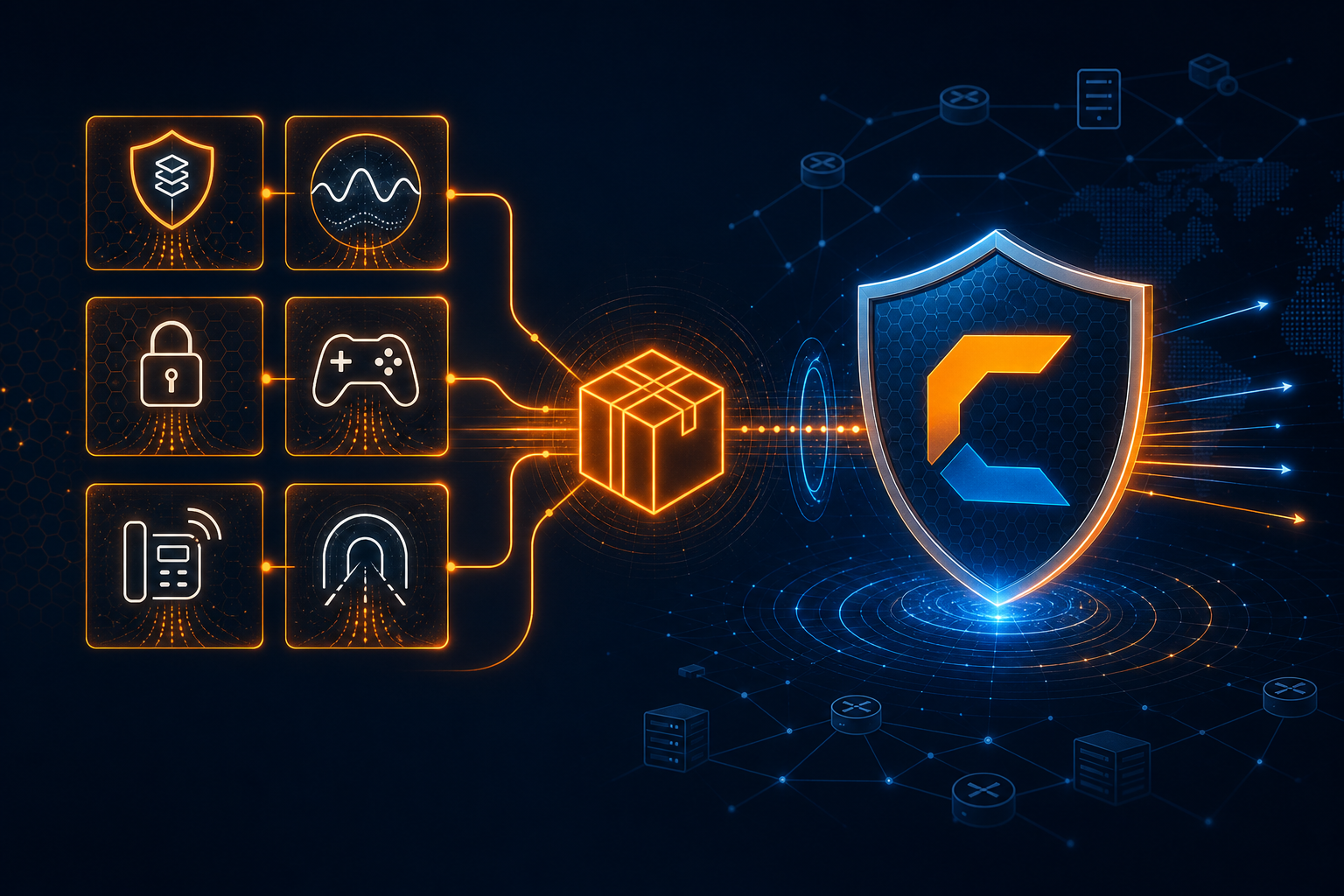
This is not a simplified “block this IP” interface. This is the actual firewall configuration that CoreEdge™ executes at the XDP layer — the same rules that process every packet at wire speed before it ever reaches the operating system kernel.
Prefix Management: Define What You Protect
Mitigation begins with declaring which networks CoreEdge™ should defend. In the portal’s firewall section, you register your IP prefixes using standard CIDR notation — whether that’s a single /32 host address or an entire /8 network block. The system validates your input in real time, rejecting malformed notation and enforcing subnet masks between /8 and /32.
Each prefix becomes an independent filtering context. Rules applied to one prefix have no effect on another. This isolation is critical for customers who manage multiple services with different security profiles — a gaming server’s mitigation policy looks nothing like a DNS resolver’s.
You can register prefixes across multiple CoreEdge™ clusters simultaneously. A /24 advertised through your Frankfurt cluster can have entirely different rules than the same prefix routed through Amsterdam. The portal’s cluster selector makes switching between contexts instantaneous.
Six Actions: Precision Beyond Simple Allow/Deny
Most DDoS firewalls give you two choices: allow or block. CoreEdge™ gives you six distinct actions, each designed for a specific operational scenario.
DROP is the fastest path — the packet is discarded at the network interface card before consuming any CPU cycles. Use this for known-bad traffic: spoofed source ranges, attack signatures, or protocols your services don’t use.
ACCEPT explicitly permits traffic that matches the rule conditions. This is essential for whitelisting — ensuring that your monitoring systems, health checks, or partner networks bypass all subsequent filtering rules.
RATE_LIMIT_RULE applies a packets-per-second ceiling across all traffic matching the rule. If you set a rate limit of 10,000 PPS on UDP port 53, the eleventh thousand packet in any given second is dropped — regardless of source. This is the right tool for defending services that need to remain accessible but can’t absorb unlimited traffic.
RATE_LIMIT_SRC is where the surgical precision begins. Instead of a global rate limit, this action enforces the PPS threshold per individual source IP address. A legitimate user sending 50 queries per second passes through untouched, while a botnet node sending 50,000 is immediately throttled. Your real users never notice the mitigation is active.
MATCH_CONNECTION enables stateful inspection. CoreEdge™ tracks the state of TCP connections — distinguishing between established sessions, new handshakes, and out-of-state packets. A SYN flood generates millions of half-open connections; this action ensures only packets belonging to verified, completed handshakes reach your servers.
CUSTOM_DEFAULT opens the full depth of the CoreEdge™ filtering engine, exposing over thirty individual tuning parameters across every major protocol. This is the action engineers choose when they need complete control.
Match Conditions: Every Packet Attribute at Your Disposal
A rule without precise match conditions is a blunt instrument. CoreEdge™ exposes every relevant packet header field as a filterable attribute.
Protocol selection is the first dimension. You can target TCP (protocol 6), UDP (protocol 17), ICMP (protocol 1), or write rules that apply to all protocols simultaneously. Each protocol selection dynamically exposes protocol-specific fields — selecting TCP reveals flag filters; ICMP reveals type and code selectors.
IP ranges define the source and destination scope. Rather than single addresses, CoreEdge™ accepts start/end ranges — allowing you to filter traffic from an entire ISP, a specific cloud provider’s address space, or a single attacking host.
Port ranges narrow the scope to specific services. Protect your DNS (port 53) without affecting your web server (port 443). Source port filtering catches reflection attacks that typically originate from well-known service ports.
Packet length filtering catches a category of attacks that most firewalls ignore. Many volumetric floods use fixed-size packets — a UDP flood might consist entirely of 64-byte packets, while legitimate traffic varies naturally. Filtering by packet length range (64 to 65,535 bytes) adds a dimension of detection that protocol-level rules alone cannot provide.
TCP flag inspection enables granular control over the TCP handshake. Filter on any combination of SYN, ACK, FIN, RST, PSH, and URG flags. A rule that matches packets with SYN set but ACK cleared targets new connection attempts exclusively — the exact signature of a SYN flood. Combine flag filters with rate limiting, and you’ve built a highly effective SYN flood mitigation policy without blocking any established sessions.
ICMP type and code control lets you permit essential network diagnostics (Echo Request/Reply for ping, Destination Unreachable for path MTU discovery) while blocking everything else. Attack tools commonly abuse obscure ICMP types that no legitimate application ever generates.
Geographic filtering via country code brings geopolitical context into your firewall policy. If your business serves exclusively Middle Eastern clients, there’s no reason to accept volumetric traffic sourced from networks in regions where you have zero customers. CoreEdge™ integrates MaxMind GeoIP data, allowing you to apply different rate limits or outright blocks per origin country.
Custom Default Settings: Thirty Parameters of Depth
When you select the CUSTOM_DEFAULT action, the portal reveals a comprehensive settings panel that controls how CoreEdge™ handles each protocol family independently.
For IP-layer processing, you control whether fragmented packets are dropped or reassembled, and whether packets containing IP options (rarely used by legitimate traffic, frequently used by reconnaissance tools) are permitted.
For ICMP, you set independent rate limits for echo requests, echo replies, destination unreachable messages, and time exceeded notifications. Each rate is specified in packets per second. You can block entire ICMP categories — stopping Smurf amplification attacks — while preserving the ping and traceroute functionality your network operations team relies on.
For TCP, the settings control the stateful inspection engine. You decide whether to allow established connections to bypass deep inspection, whether to validate TCP flag combinations against RFC-compliant state machines, and what happens to out-of-state packets (packets that claim to belong to a connection your system has never seen). SYN rate and non-SYN rate limits operate independently — because a SYN flood and an ACK flood require different thresholds. Connection tracking parameters including maximum concurrent flows, per-source flow limits, and timeout values for SYN, established, and FIN states are all directly configurable.
For UDP, you set a default action (accept or drop) and a global rate limit. Since UDP has no connection state, these simpler controls work in concert with the per-rule and per-source rate limiting actions to build layered defense.
Global settings include a per-source PPS limit that applies across all protocols (catching attackers who distribute their traffic across multiple protocols to evade per-protocol limits), a default action for protocols other than TCP/UDP/ICMP, and a burst multiplier that controls how tolerant the rate limiter is of short traffic spikes.
Timeout configurations let you tune how long CoreEdge™ remembers connection state. A TCP SYN timeout of 5 seconds means half-open connections are discarded after 5 seconds — long enough for legitimate handshakes across high-latency paths, short enough to prevent SYN flood state exhaustion. Established connection timeouts, FIN wait timeouts, UDP session timeouts, and ICMP session timeouts are each independently adjustable.
Rule Templates: Expert Mitigation in One Click
Not every customer wants to — or should have to — understand TCP flag combinations and ICMP rate thresholds. That’s why CoreTech’s engineering team maintains a library of pre-configured rule templates.
Each template encapsulates a production-tested configuration: the match conditions, the action, the rate limits, and the custom settings — all pre-tuned for a specific threat scenario. Templates are organized by category, and each one includes a technical description explaining exactly what it does and why.
When you apply a template, CoreEdge™ creates a fully configured rule on your selected prefix within seconds. You can review the rule it created, adjust any parameter you disagree with, and the result is the same as if you’d hand-built the rule yourself — because it is the same rule. Templates are a starting point, not a straitjacket.
System templates — maintained and updated by CoreTech as the threat landscape evolves — are available to all customers. When a new amplification vector emerges, we publish a template that neutralizes it. Your firewall stays current without any effort on your part.
Mitigation Bundles: Comprehensive Defense in a Single Operation
Individual templates address individual threats. Mitigation bundles address entire threat categories.
A bundle is an ordered collection of rule templates designed to work together as a coherent security policy. The “Standard DDoS Mitigation” bundle, for example, might include templates for SYN flood mitigation, UDP rate limiting, ICMP controls, IP fragment handling, and geographic filtering — all sequenced in the correct processing order.
When you apply a bundle to a prefix, the portal displays every template in the collection. You can customize individual parameters before deployment — perhaps you want tighter SYN rate limits than the default, or you need to allow ICMP for your monitoring system. Once confirmed, all rules deploy simultaneously as a coordinated policy.
Every bundle application is tracked. If a bundle causes unintended behavior — perhaps a rate limit is too aggressive for your traffic profile — you can roll back the entire bundle with a single action, removing all associated rules and restoring the previous state. The portal records the application status (Applied, Pending, Failed, Rolled Back) with timestamps and the identity of the user who initiated the change.
Batch Operations and Rule Lifecycle
Operational efficiency matters during an active incident. The portal supports batch operations — creating up to 100 rules in a single API call with automatic sequence number validation. No duplicate sequences, no ordering conflicts, every rule validated before any of them deploy.
Rules can be exported in JSON or CSV format for backup, documentation, or migration between clusters. Import functionality allows you to restore a previously exported ruleset — or prepare rules offline and deploy them during a maintenance window.
Rule reordering is drag-and-drop simple. Sequence numbers determine the processing order within CoreEdge™‘s XDP filtering pipeline — a rule at sequence 10 is evaluated before sequence 20. Moving a critical DROP rule ahead of a permissive ACCEPT rule can be the difference between a successful mitigation and a service outage.
Every Action Recorded
Every firewall operation — every rule created, modified, deleted, every prefix added, every bundle applied or rolled back — is recorded in the portal’s audit log with a timestamp, the user identity, and the complete operation details. This isn’t just good security practice. For customers in regulated industries, it’s a compliance requirement.
The audit log captures over eighty distinct operation types. Your security team can reconstruct exactly who changed what, when, and why — months after the fact. During post-incident forensics, this trail is invaluable.
Self-Service vs. Traditional: The Difference in Practice
| Scenario | Traditional Provider | CoreTech Self-Service |
|---|---|---|
| Add a firewall rule | Open ticket → wait 30-60 min | Create rule → live in seconds |
| Block a country during attack | Call SOC → explain situation → wait | Select country code → apply → done |
| Apply standard mitigation | Request “best practices” → hope they understand | Choose bundle → customize → deploy |
| Roll back a bad rule | Another ticket → another wait | One click → immediate rollback |
| Audit who changed what | Request logs → wait for export | Real-time audit trail in portal |
| 3 AM emergency | Wake up on-call SOC engineer | Log in → fix it yourself |
Your Network, Your Control
CoreEdge™ processes your firewall rules at the XDP layer — filtering attack traffic at the network card before it reaches the kernel. The portal puts you in direct control of that filtering engine. No intermediaries. No wait times. No black boxes.
Whether you prefer hand-crafted rules with thirty parameters of precision, pre-built templates maintained by our engineering team, or comprehensive mitigation bundles that deploy full security policies in a single click — the choice is yours.
Start your free 10-day trial and experience self-service DDoS mitigation firsthand. Full portal access, full firewall control, full CoreEdge™ capacity.
Want to see this in action?
Get a live demonstration of CoreTech's DDoS mitigation platform.